The app

The Marc app

Find your requests, your quotes and the evening log on your phone.

Version 2.5.1, released on 12 November 2026

Download for Android

22 MB file, for Android.

Step by step

Install the app, step by step

On Android

  1. Download the file

    Tap the “Download for Android” button above.

  2. Open the downloaded file

    Tap the download notification, or open your phone’s Downloads folder.

  3. Allow the installation if Android asks

    Android may ask you to let your browser install apps. Accept: you only do this once.

  4. Install, then open Marc

    Tap Install, then Open.

  5. Sign in

    Enter your e-mail address. To enter the code you received by e-mail, open the More tab, then “I have a code”.

On iPhone

  1. Open app.dotation.app in Safari

    Tap the “Open Marc on iPhone” button below, or type app.dotation.app in Safari.

  2. Tap the Share button

    It is the square with an arrow pointing up, at the bottom of the screen.

  3. Choose “Add to Home Screen”

    Scroll if needed, then tap Add. Marc appears on your home screen, like an app.

  4. Open Marc and sign in

    Open Marc from the home screen, then enter your e-mail address and the code you received.

Open Marc on iPhone

Until the App Store app is out, the iPhone version sends no notifications and cannot yet approve a money matter: do that from an Android phone or wait for the app. Everything else works: talking to Marc, following requests and quotes.

Updates

Updates

When a new version is out, the app shows “Update”: one tap is enough.

Check the file (advanced)

SHA-256 fingerprint of the file: 0c1904d5739e7fedd3fb7ebdc4d5c5474a773241973a16f9d6c84cb68e4715c4
The app

The app, for real

Captures of the app, on a demo account.

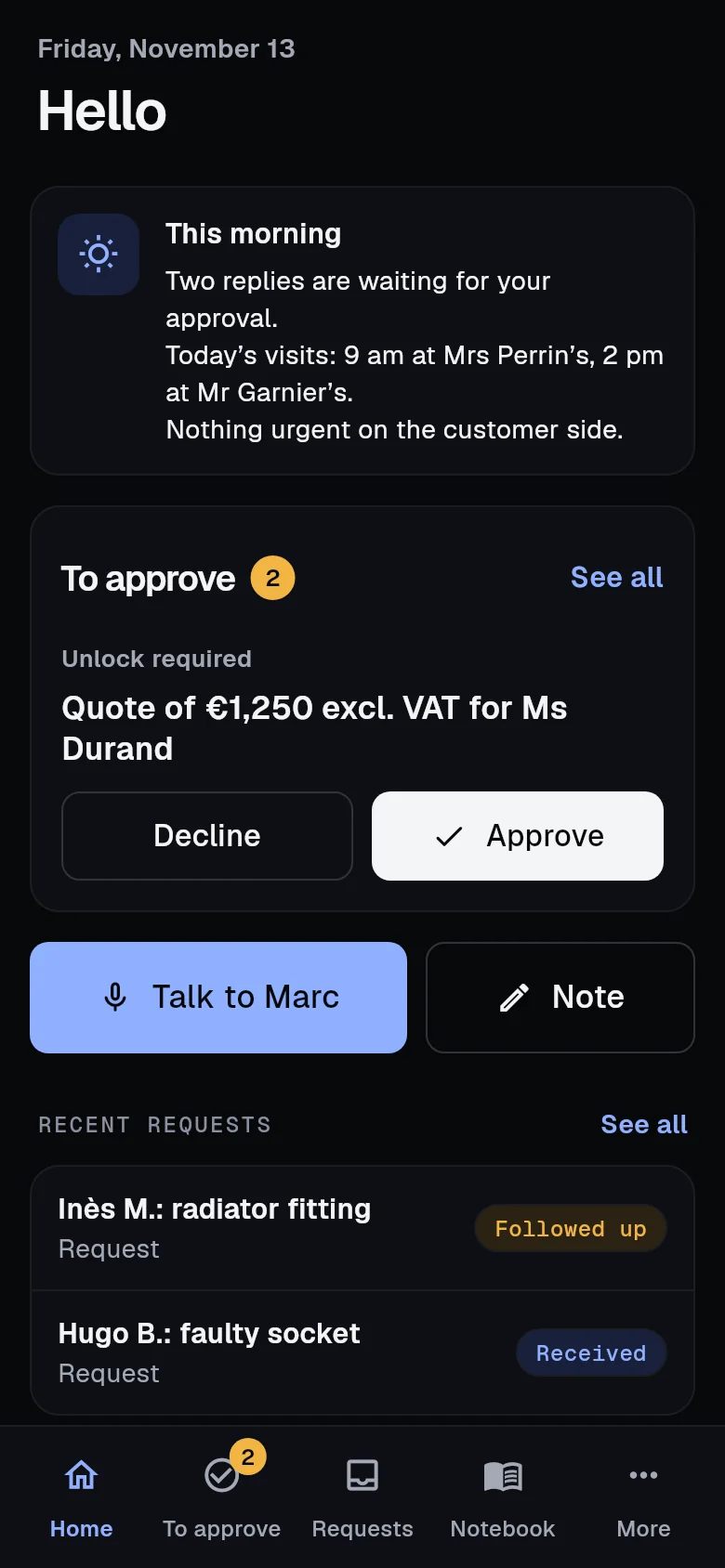
  • Capture of the home screen of the Marc app: the morning message, a reply to approve with the Decline and Approve buttons, and recent requests.
    Home
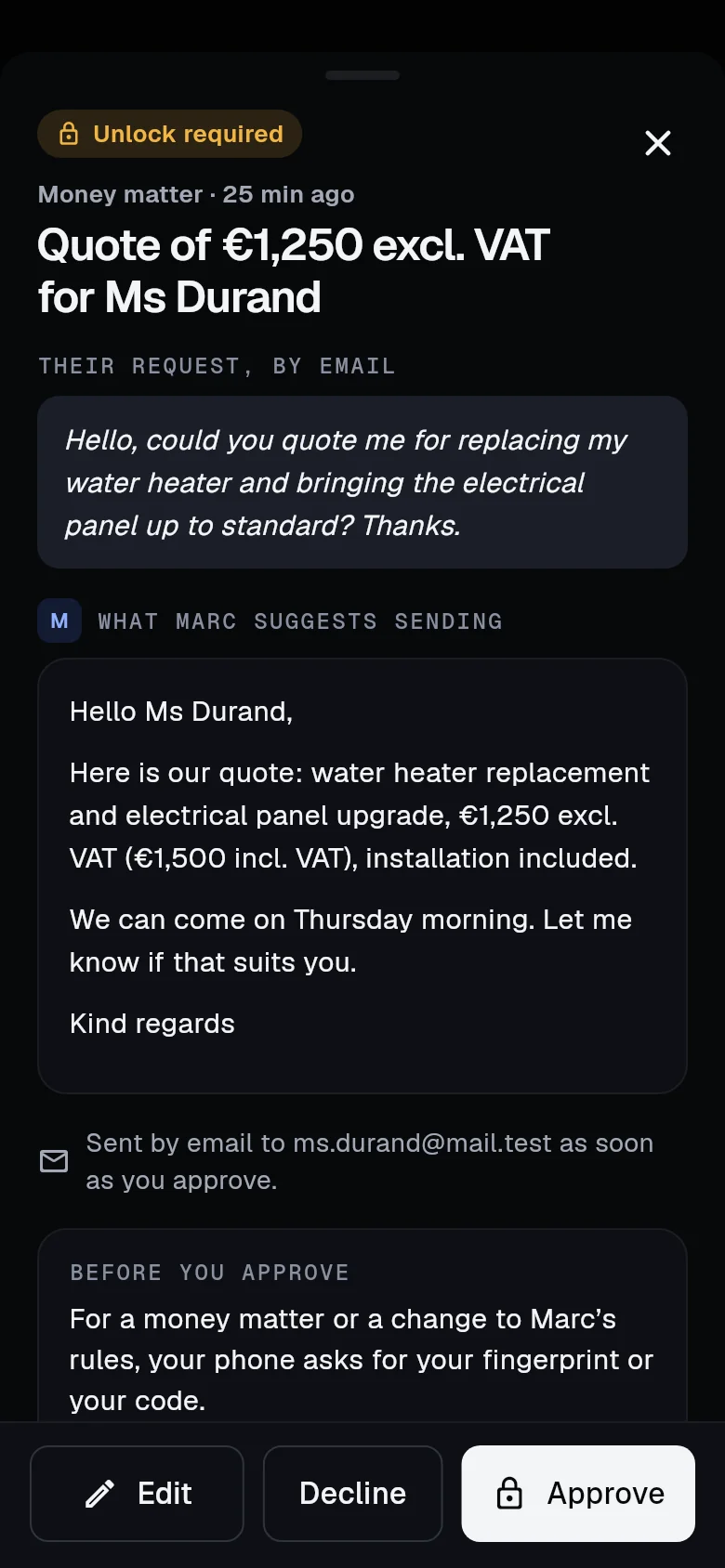
  • Capture of the To approve screen of the Marc app: the reply Marc proposes to send, with an amount for you to approve, the exact text that will be sent, and the Edit, Decline and Approve buttons.
    To approve
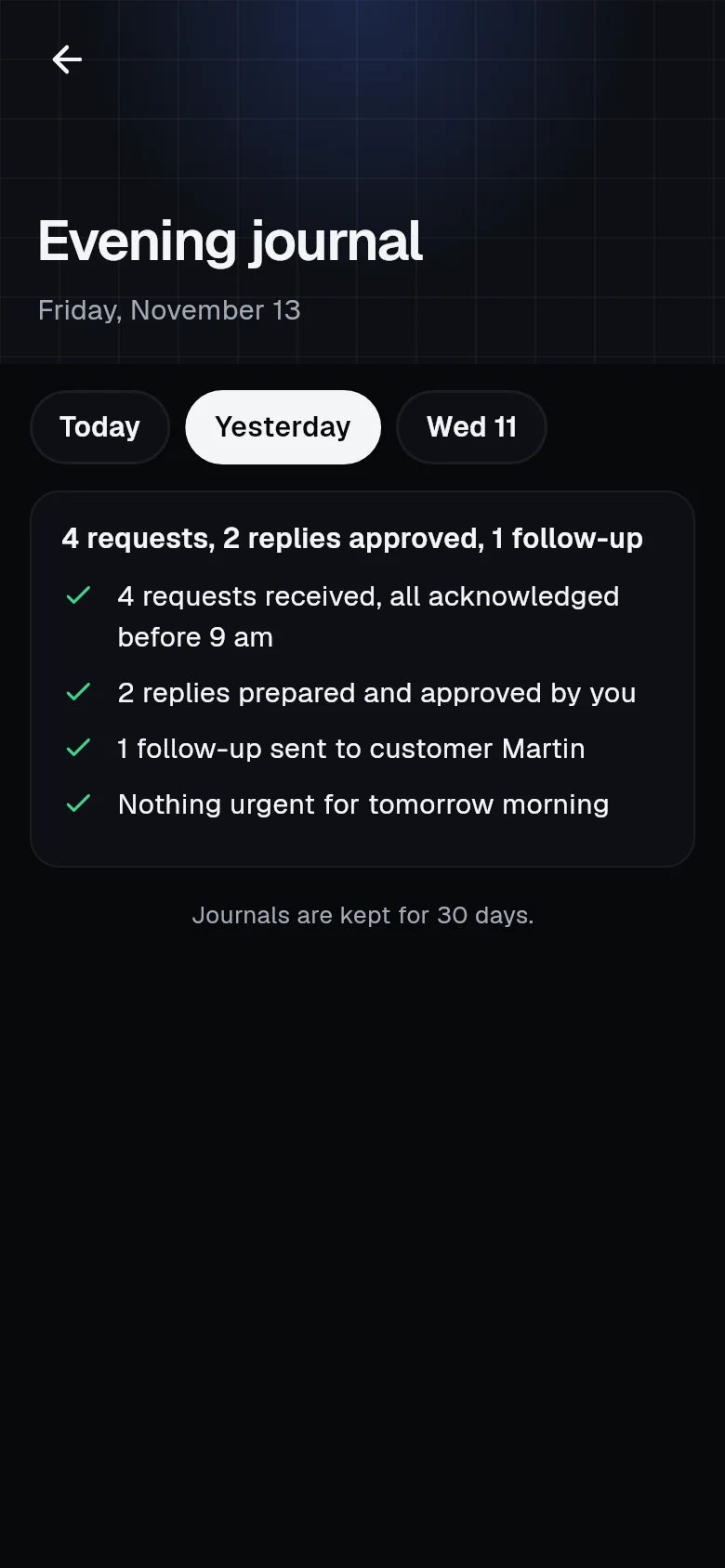
  • Capture of the evening journal of the Marc app: the list of what was done during the day, with a tick on each line.
    Evening journal
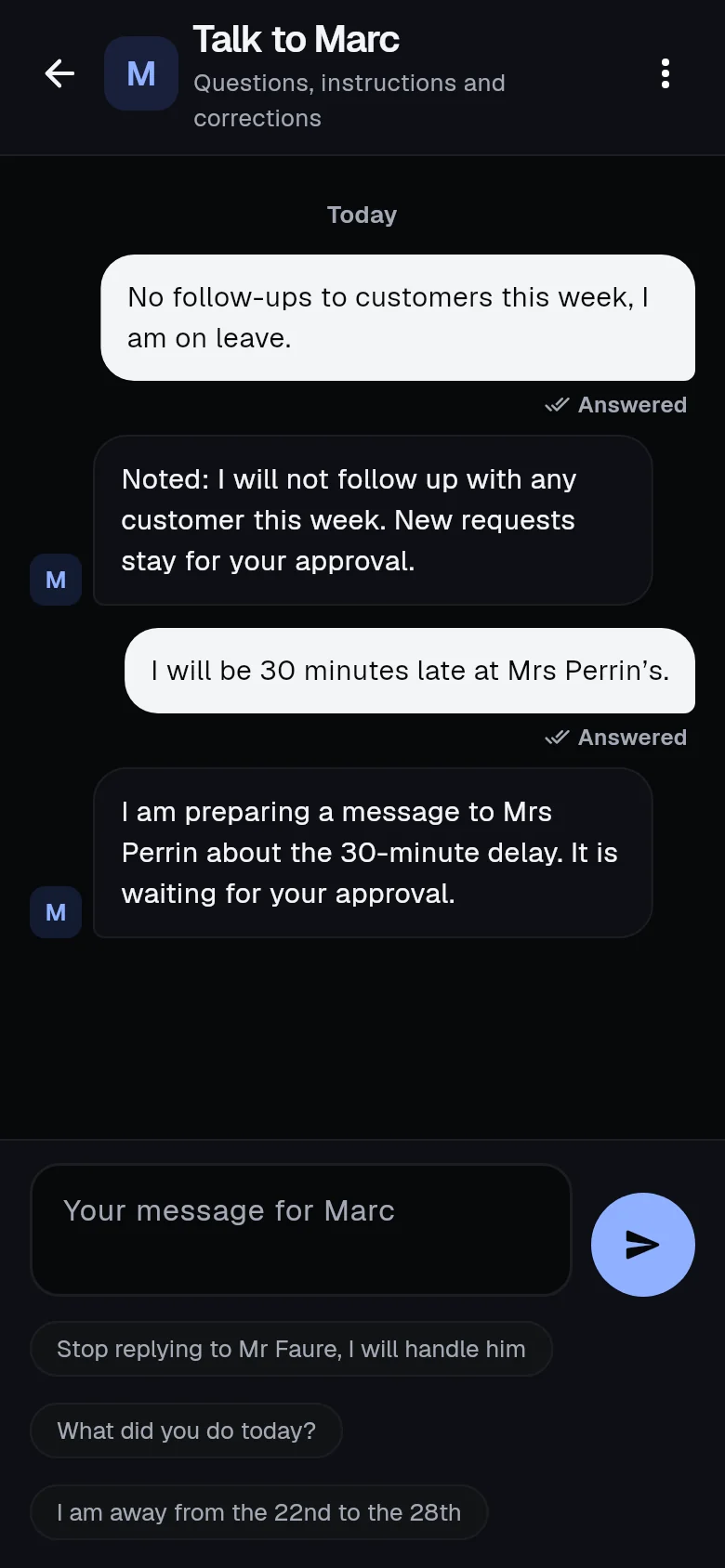
  • Capture of the Talk to Marc screen: two instructions written by the tradesperson and, under each one, Marc’s answer.
    Talk to Marc